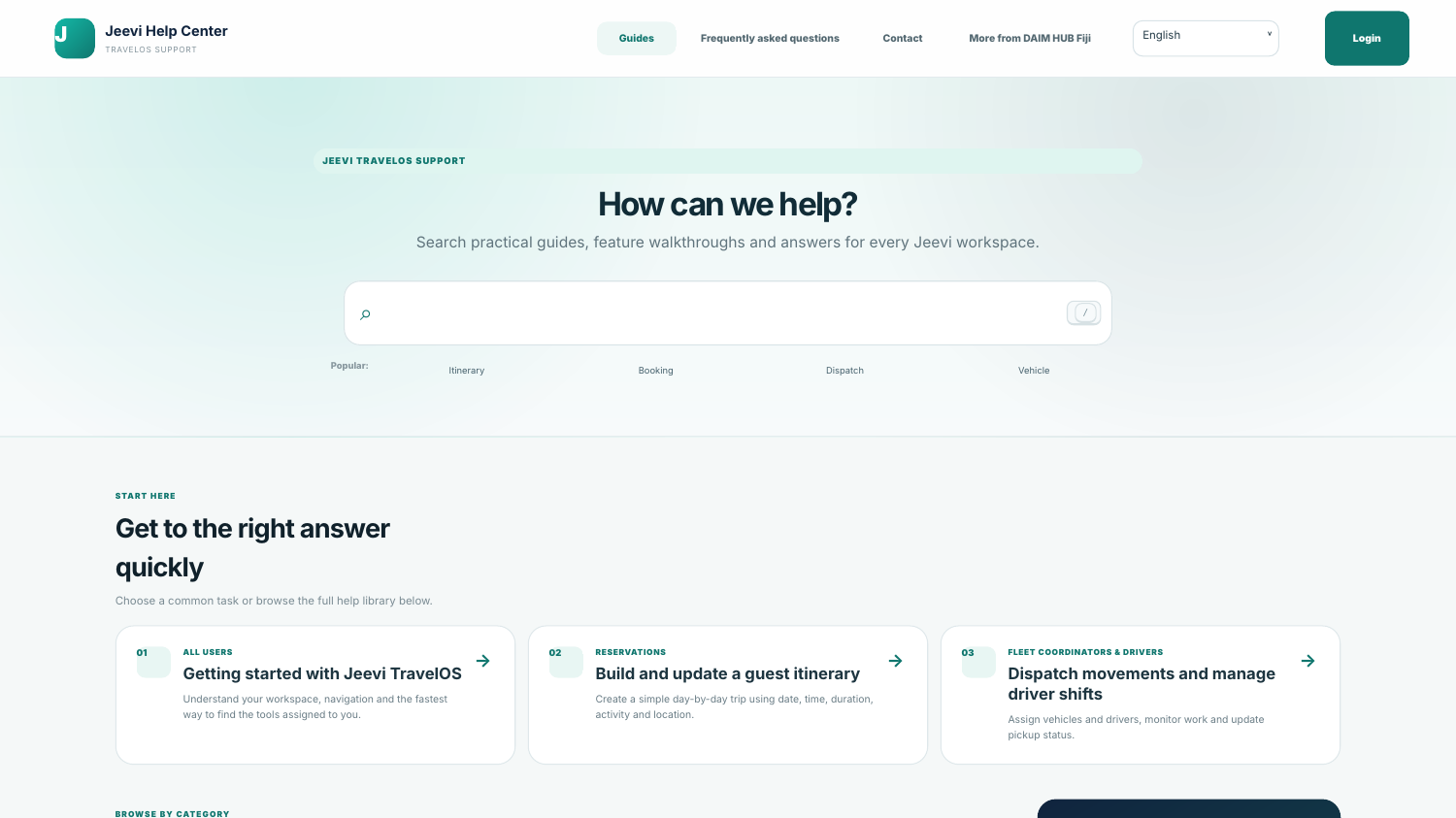
Search first
Use the large search box to find an article, feature or FAQ. Common topics such as itinerary, booking, dispatch and vehicle are available as quick searches.
Browse by workspace
Categories group help around the work users actually perform, including bookings, suppliers, operations, fleet and administration.
Keep an offline reference
The Support Center includes a downloadable PDF user guide with feature descriptions and screenshots. Credentials are intentionally excluded.
Step by step
Open Support Center from the website or Jeevi portal.
Search for the task you are trying to complete.
Open the relevant visual guide.
Use the FAQ for short answers.
Download the PDF guide when an offline reference is useful.