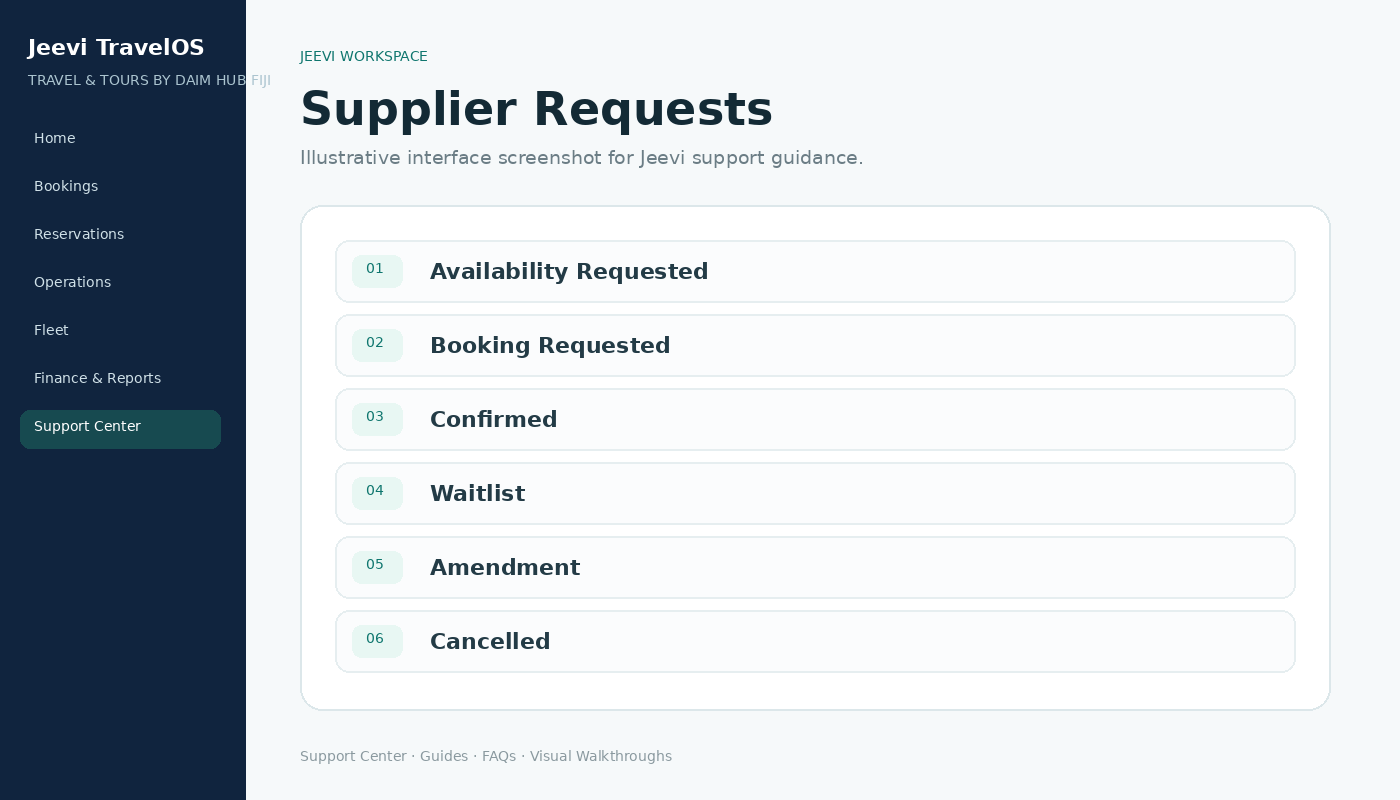
Use supplier status
Supplier requests are grouped by their operational status, making it easy to see what still needs attention.
Confirm the component
Move a supplier booking to Confirmed when the partner confirms the service. Jeevi keeps the supplier reference and links the confirmation back to the itinerary.
Generate documents
Confirmed services can create the relevant supplier voucher while remaining tied to the booking and costing record.
Step by step
Open Supplier Requests.
Locate the itinerary component.
Update its status.
Record the supplier reference where required.
Confirm the service and review the voucher.