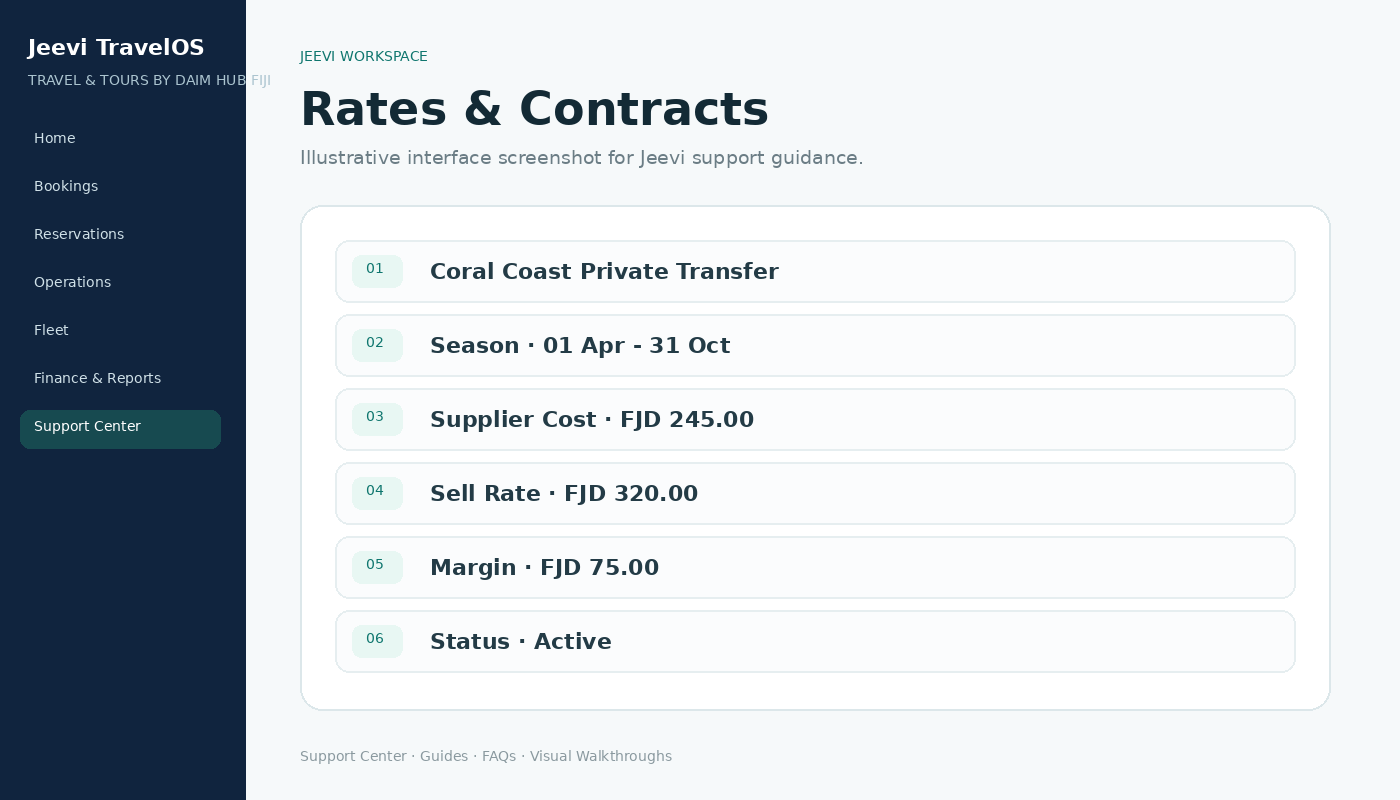
Separate cost and sell
Jeevi separates the supplier cost from the amount sold to the customer or agent so margin is visible and auditable.
Use seasons and contracts
Rates can be associated with travel periods and commercial terms. Agent-specific conditions can be applied where configured.
Protect confirmed bookings
When pricing is confirmed, Jeevi can retain a snapshot so later contract changes do not rewrite historical booking values.
Step by step
Open Products & Rates.
Choose the service or contract.
Set the applicable travel period and amounts.
Save the rate.
Review pricing on a test booking before release.