Platform
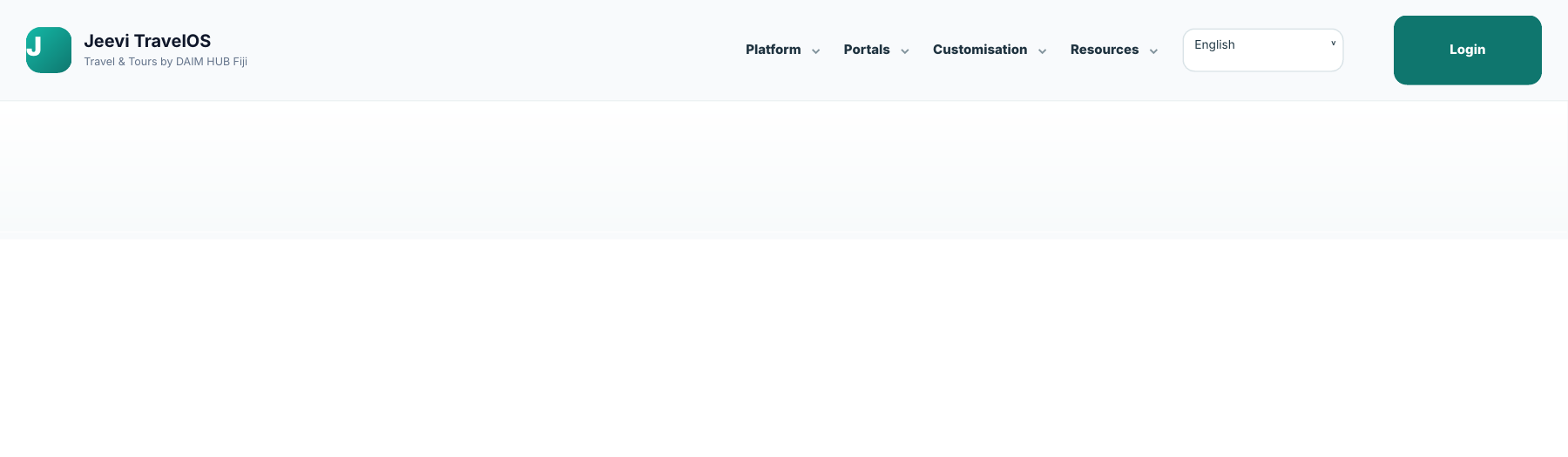
Platform groups the core product areas such as Reservations, Operations, Fleet and the overall user experience.
Portals
Portals provides direct routes to the role-based login experiences while the main login button remains available at all times.
Resources
Resources groups the Support Center, FAQ, downloadable user guide and More from DAIM HUB Fiji in one place.
Step by step
Open the Jeevi website.
Choose Platform, Portals, Customisation or Resources.
Select the item you need from the grouped menu.
Use the language selector if required.
Select Login when you are ready to enter your workspace.