Vehicle issues
Create or review an issue when damage, a defect or a maintenance concern is reported.
Work orders
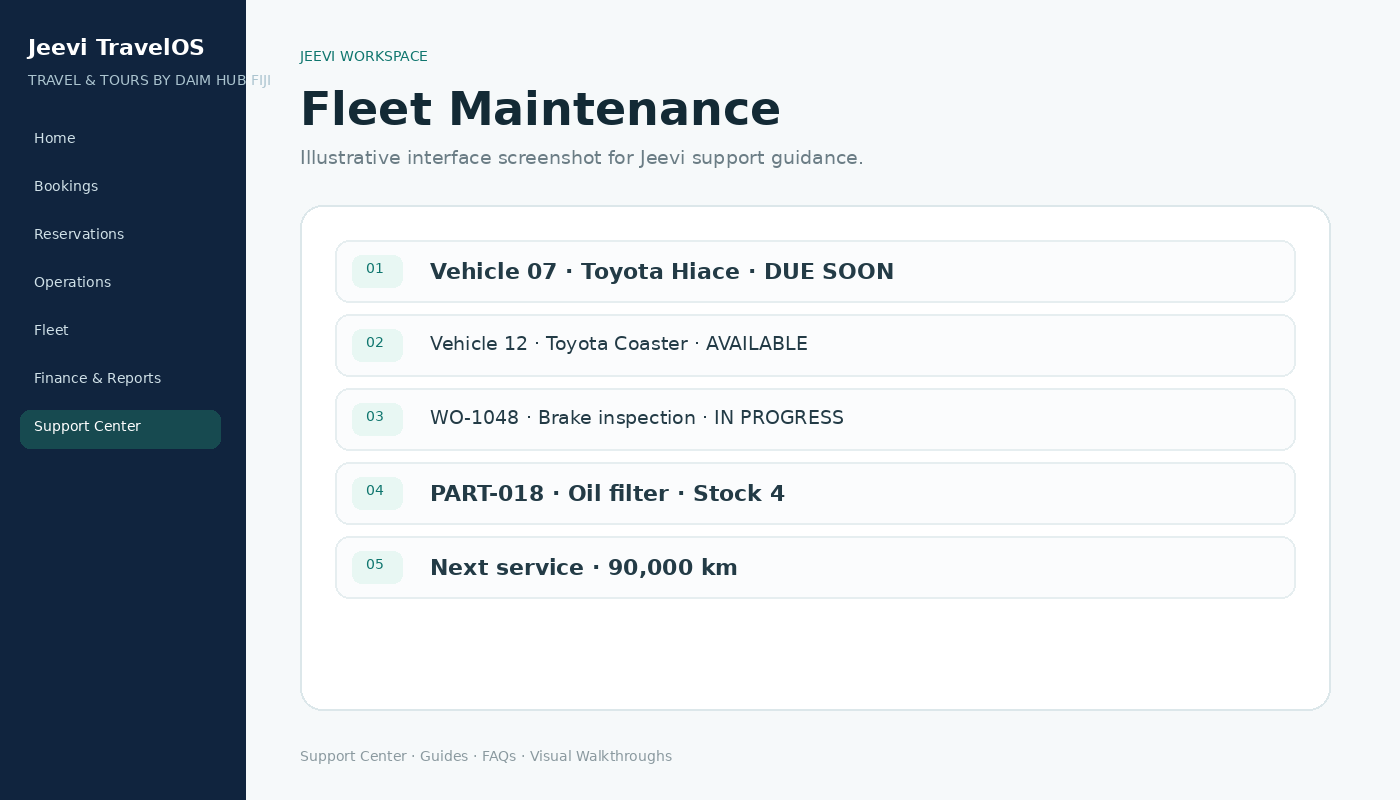
Track diagnosis, work in progress, parts, external costs, quality checks and completion against the relevant vehicle.
Preventive servicing
Service schedules can use time or odometer thresholds so upcoming maintenance is visible before a vehicle becomes unavailable.
Step by step
Open Fleet → Vehicle Issues.
Create or select an issue.
Create the work order.
Record parts and repair progress.
Complete the work and review the vehicle history.