Automatic selection
On first visit Jeevi checks the browser language and selects a supported language where possible. English remains the fallback.
Manual choice
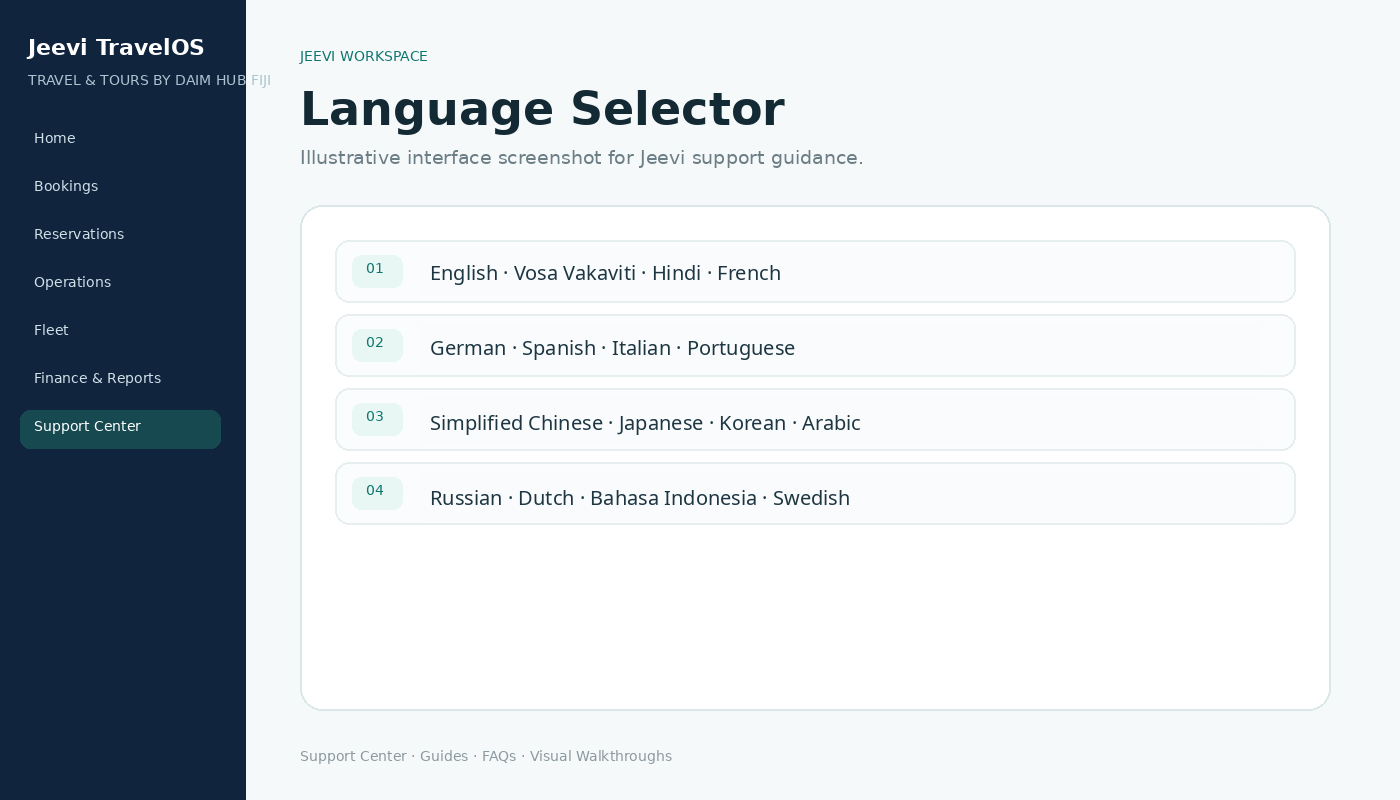
Use the language selector on the website, Support Center or portal. The selection is remembered for later visits.
Business terminology
User-entered names, supplier content and operational data remain exactly as entered. Interface labels can be expanded with additional translated content during implementation.
Step by step
Open the language selector.
Choose the preferred language.
Continue working normally.
Change it again at any time from the same selector.