Your workspace
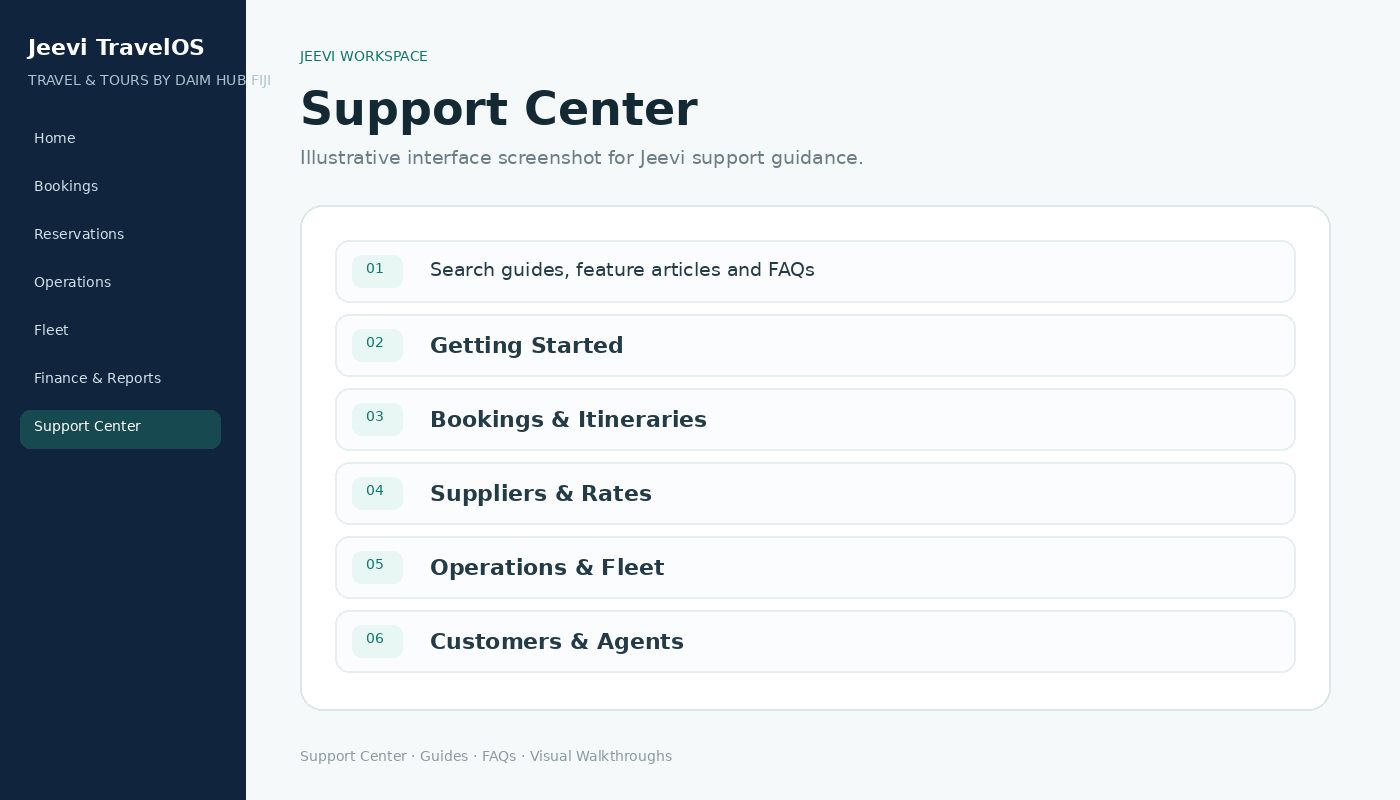
After sign-in Jeevi opens the workspace attached to your role. The left navigation is grouped by the work you perform, so users do not need to search through unrelated system areas.
Start from Home
Use Home as your daily starting point. It shows useful counts, current work and direct shortcuts into the most common actions for your role.
Use Support anywhere
Support Center is available from the website and the Jeevi portal. It is public, so guides remain accessible even when you are signed out.
Step by step
Sign in through Jeevi Portal.
Confirm your role name in the top bar.
Open Home and choose the action you need.
Use Support Center whenever you need a walkthrough.