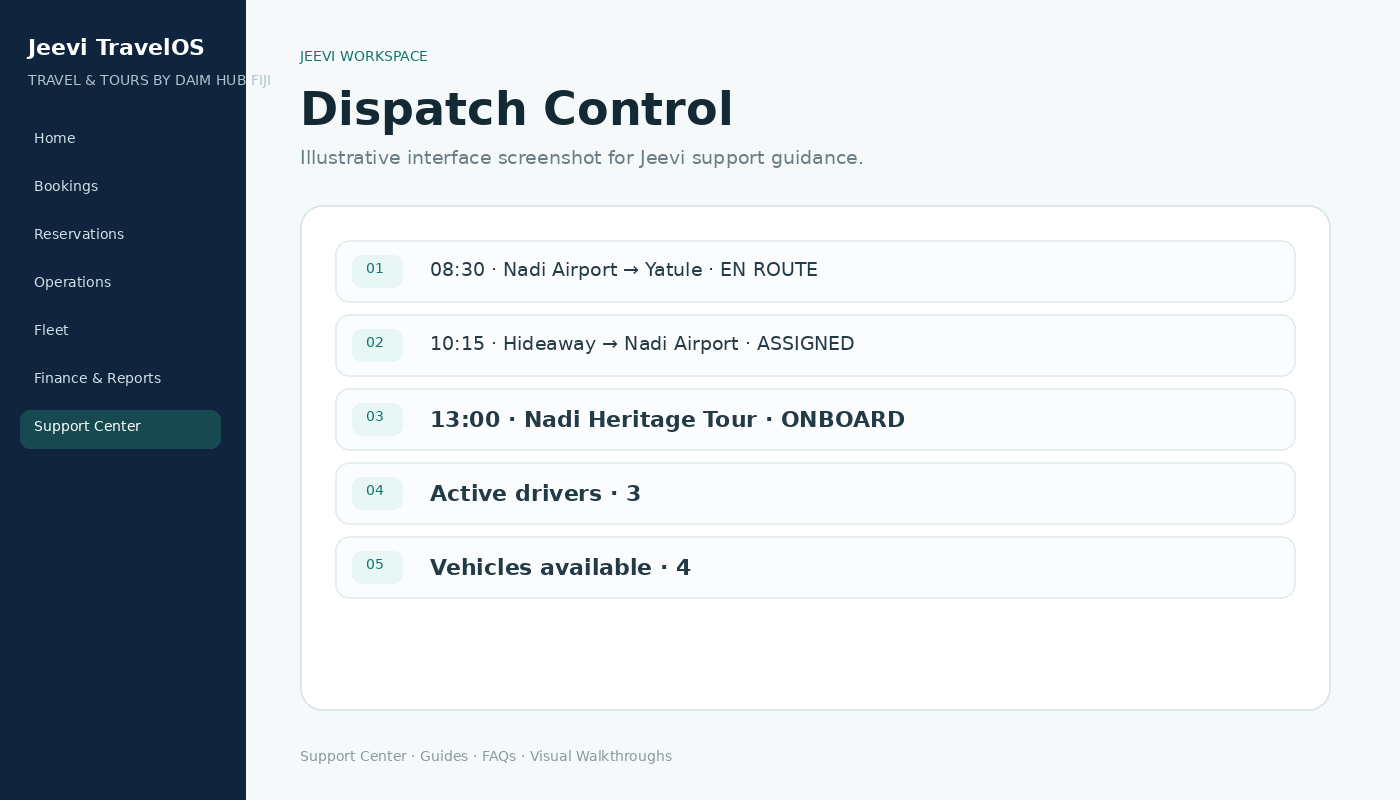
Assign the movement
Fleet Coordination sees daily movements and can assign the appropriate driver and vehicle.
Driver mobile workflow
The driver sees pickup time, guest, route, flight, passengers and vehicle. The movement progresses through acknowledgement, pickup and completion states.
Location during shift
Live location reporting is designed to operate only while the driver starts an active shift and the device permits the Jeevi web app to continue running.
Step by step
Open Dispatch.
Assign a driver and vehicle.
Driver starts shift and acknowledges the job.
Driver updates pickup and passenger status.
Complete the movement and end the shift.