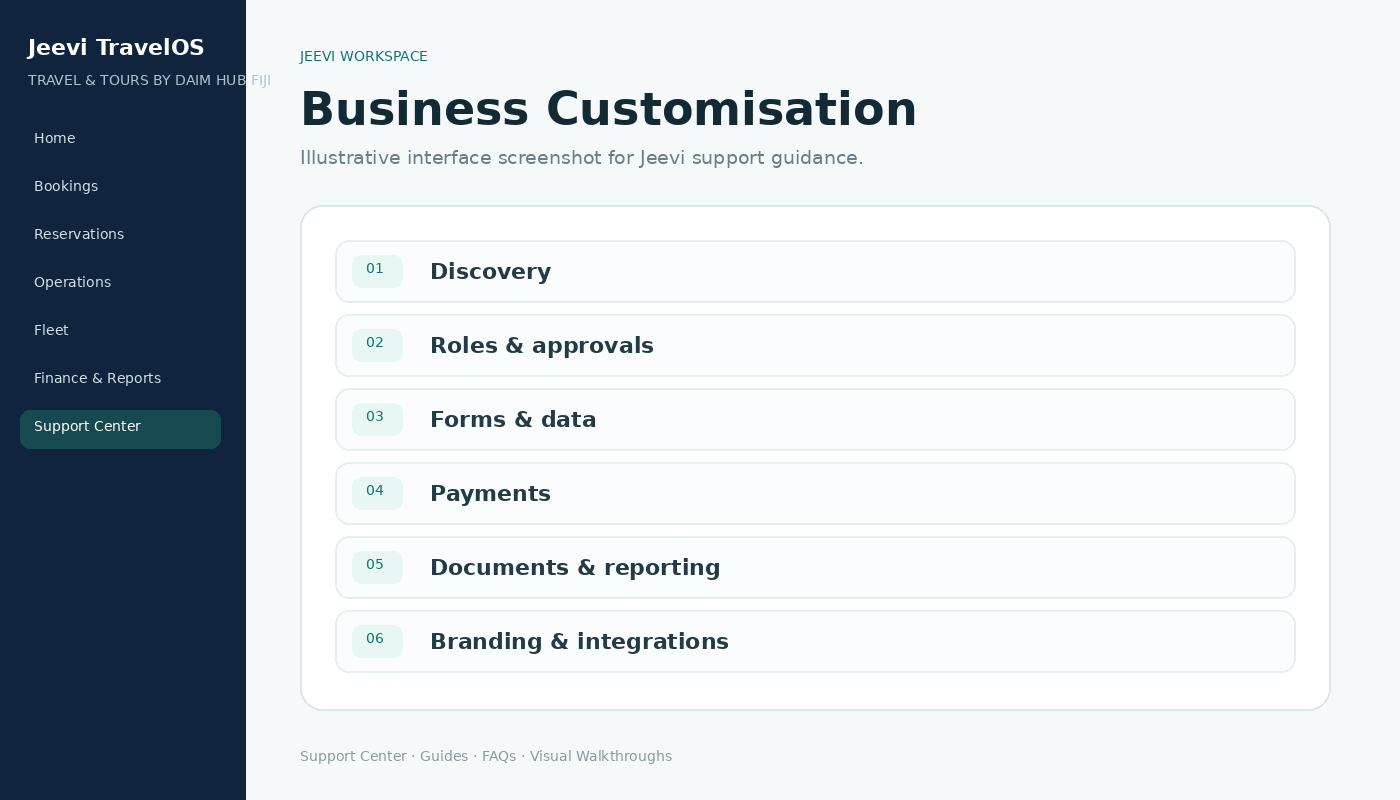
Discovery first
DAIM HUB Fiji studies how the business sells, books, confirms, dispatches, collects payments and reports before final configuration.
Configure the framework
Roles, fields, approvals, documents, rates, payment methods and integrations can be aligned to the actual operating model.
Validate before launch
Use role-by-role testing and sample workflows so each team confirms that the final setup is easy to understand and matches the business process.
Step by step
Document the current business workflow.
Identify teams, approvals and required data.
Configure Jeevi around those requirements.
Test each portal with realistic examples.
Launch with support and ongoing improvements.