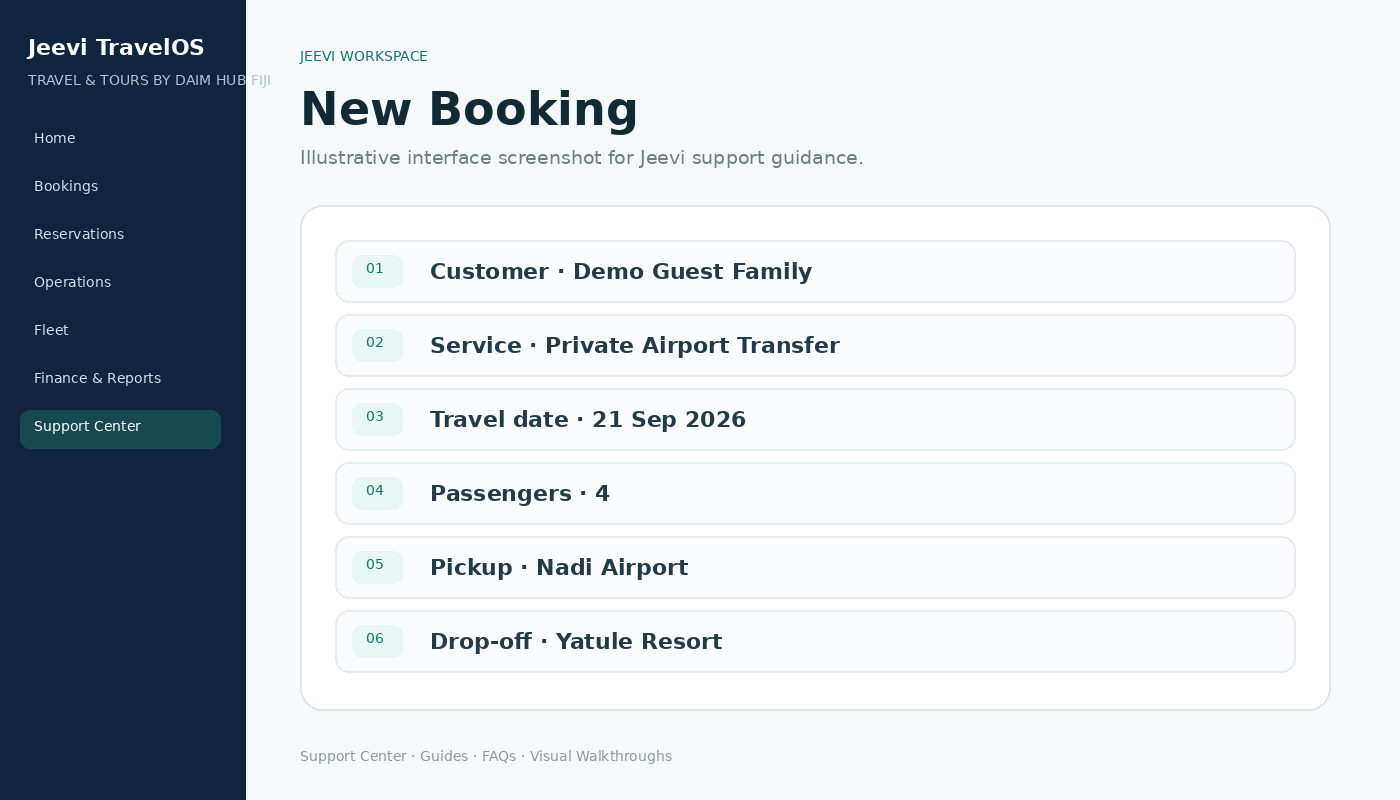
Start a booking
Use New Booking from Home or the Bookings menu. Choose the customer and the required service.
Add travel information
For transfers, enter pickup, drop-off, date, time, flight and passenger information. For tours, select the relevant tour option and travel date.
Continue the workflow
The booking becomes the common record used by itinerary, supplier requests, vouchers, movements, costing and customer-facing information.
Step by step
Open New Booking.
Choose or create the customer.
Select Transfer or Tour.
Complete the travel details.
Save the booking and continue to itinerary or operations.