Create or open a trip
Go to Reservations → Itineraries. Create a new trip or select an existing itinerary from the workspace.
Add an itinerary item
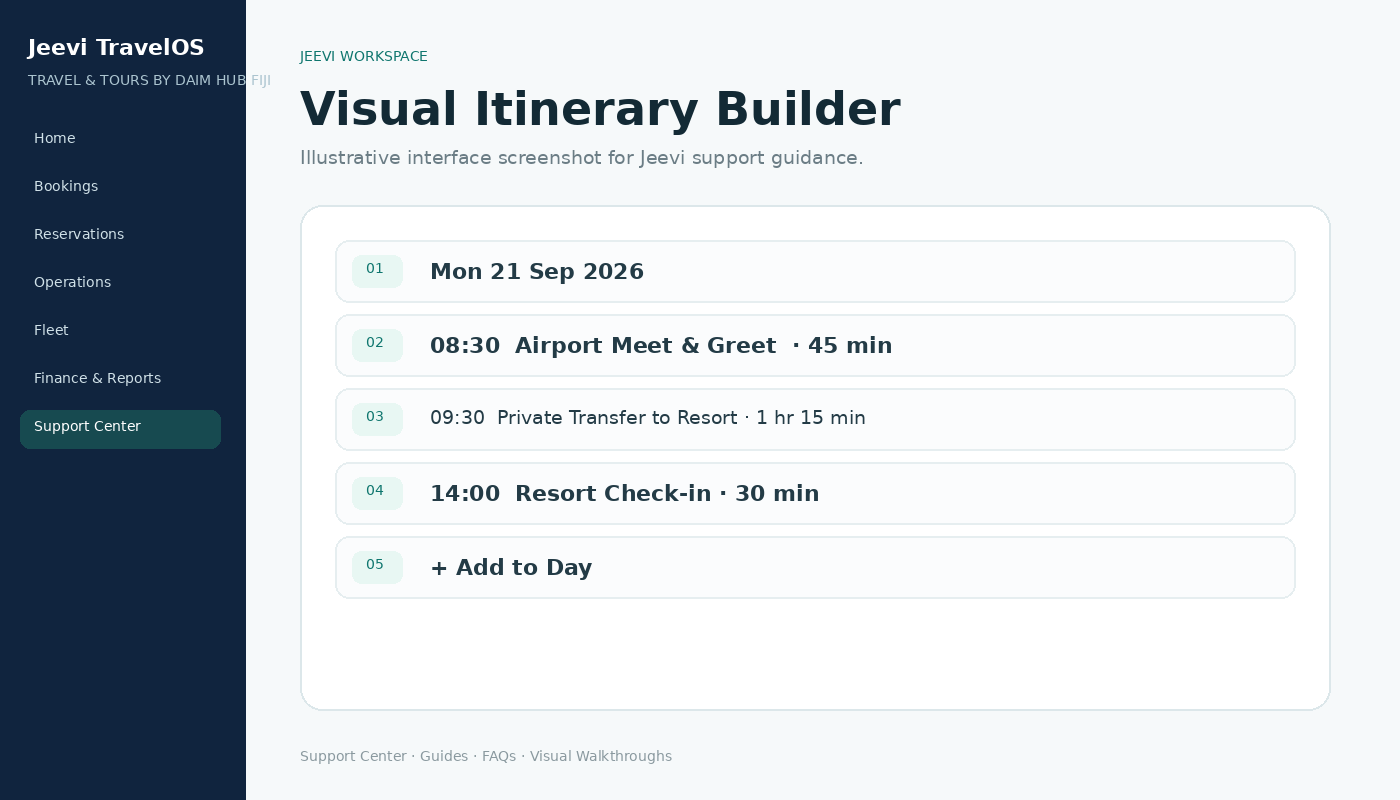
Choose the travel date, start time and duration, then select what the item is. Add a clear title, meeting point or location and any information the guest should see.
Update the timeline
Each itinerary item has Edit and Delete actions. Changes are reflected in the day-by-day timeline so the trip remains easy to review.
Step by step
Open Reservations → Itineraries.
Choose a trip or create one.
Select Add to Day.
Enter date, time, duration, type, title and location.
Save, then use Edit or Delete if the plan changes.