How can we help?
Search practical guides, feature walkthroughs and answers for every Jeevi workspace.
Get to the right answer quickly
Choose a common task or browse the full help library below.
Understand the Jeevi workspace, role-based navigation, notifications and the fastest way to find the tools assigned to you.
Create a simple day-by-day trip using date, time, duration, activity type, location and guest information.
Assign vehicles and drivers, monitor active work, follow movement status and let drivers acknowledge each pickup from their mobile workspace.
Browse help by workspace
Support is organised around the job users are trying to complete.
Popular walkthroughs
Visual guides for the tasks most teams use every day.
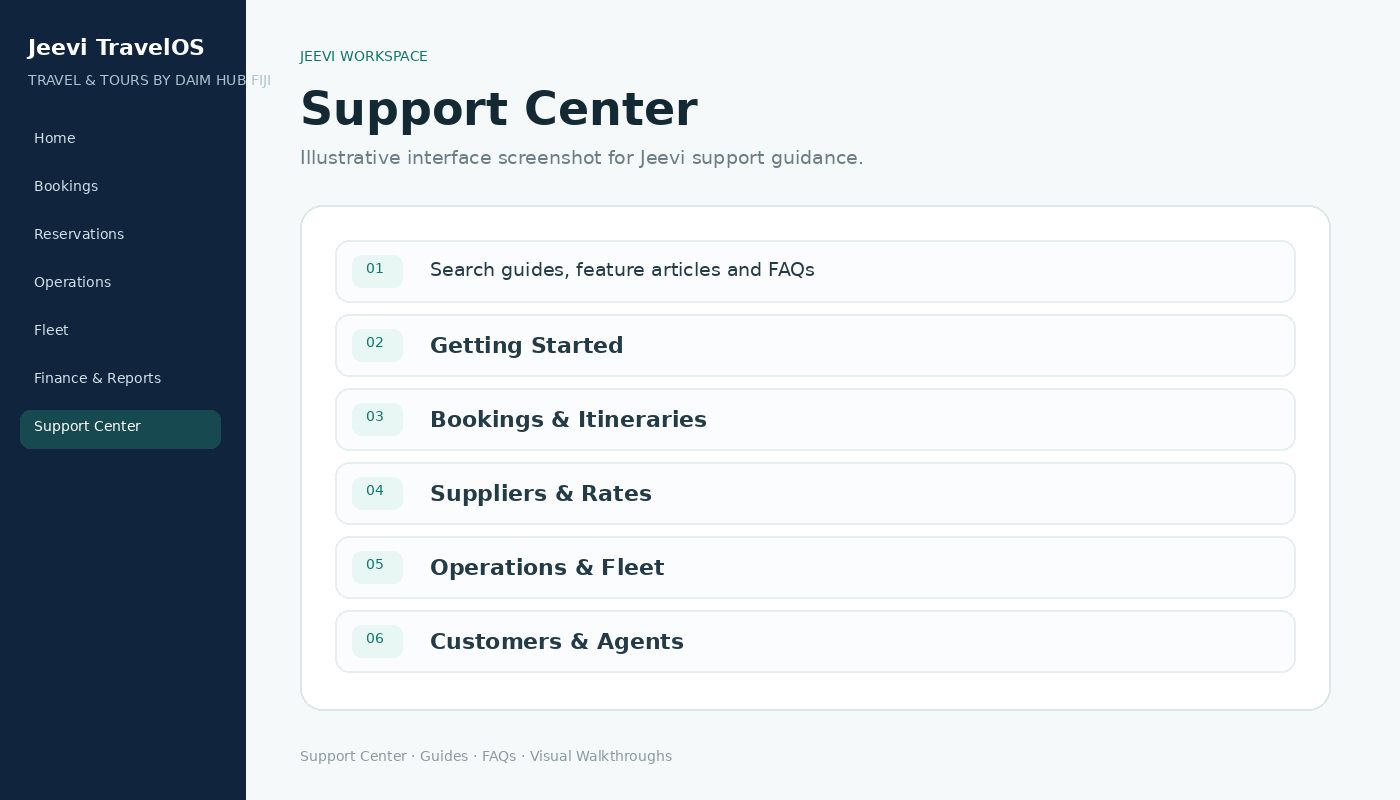
Getting started with Jeevi TravelOS
Understand the Jeevi workspace, role-based navigation, notifications and the fastest way to find the tools assigned to you.
Read article →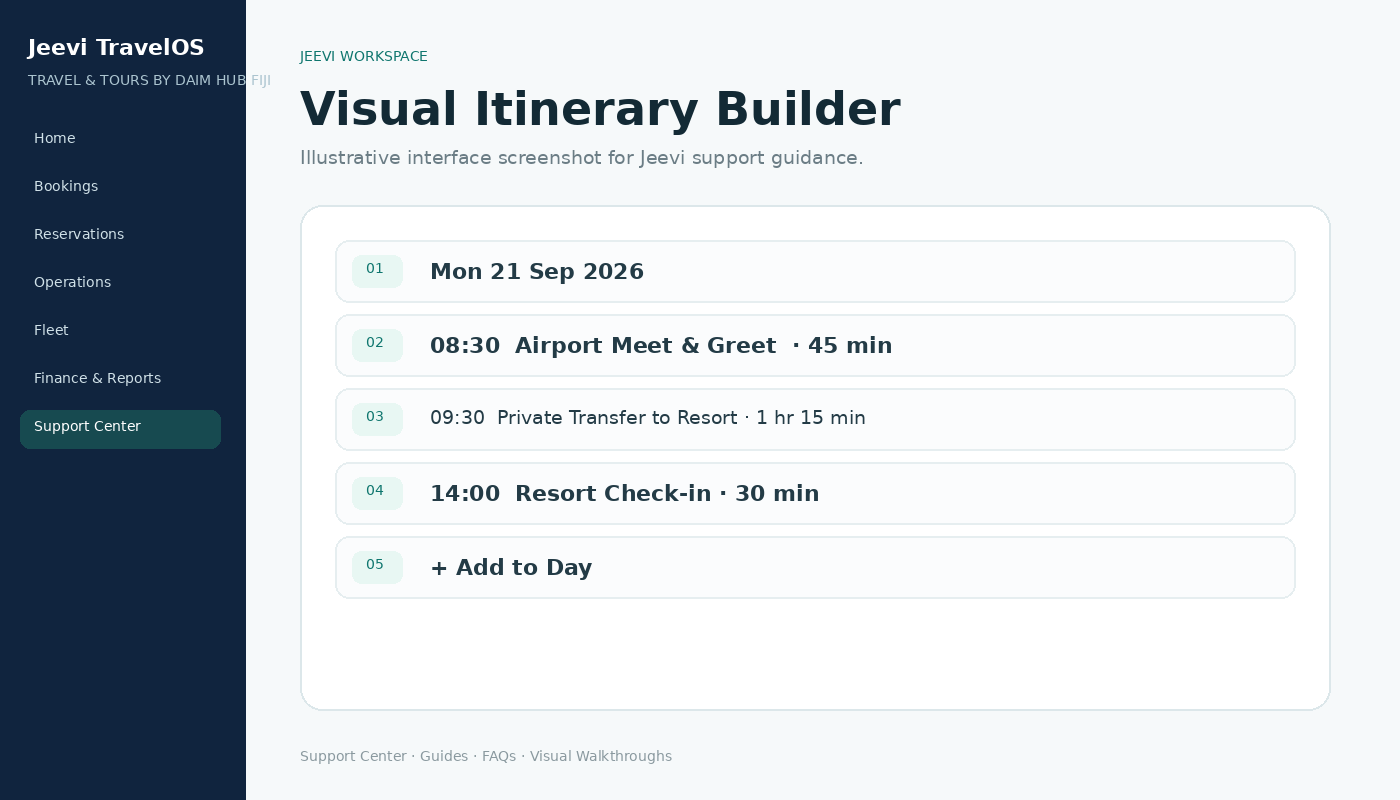
Build and update a guest itinerary
Create a simple day-by-day trip using date, time, duration, activity type, location and guest information.
Read article →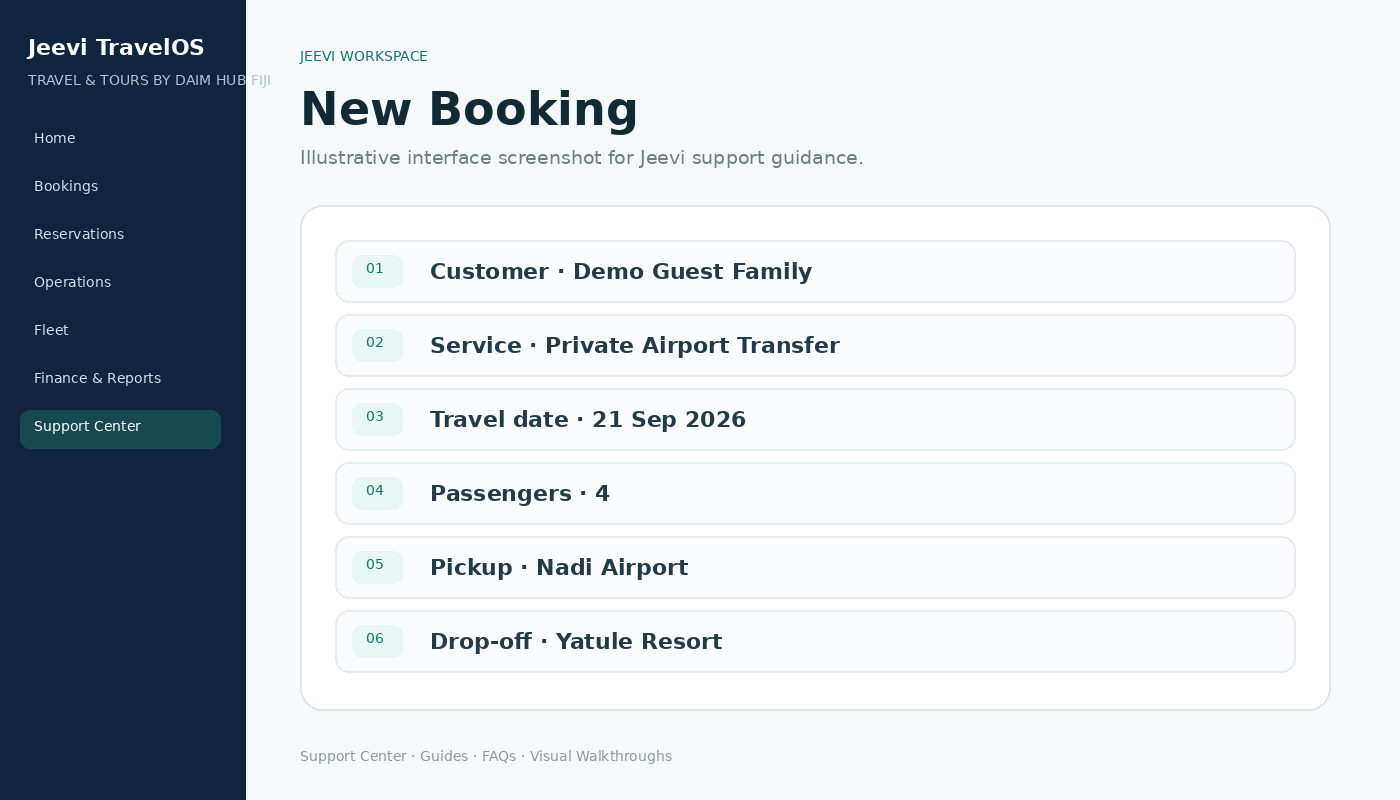
Create a tour or transfer booking
Enter customer details, service type, travel date, passengers and route information, then continue into itinerary, operations and costing.
Read article →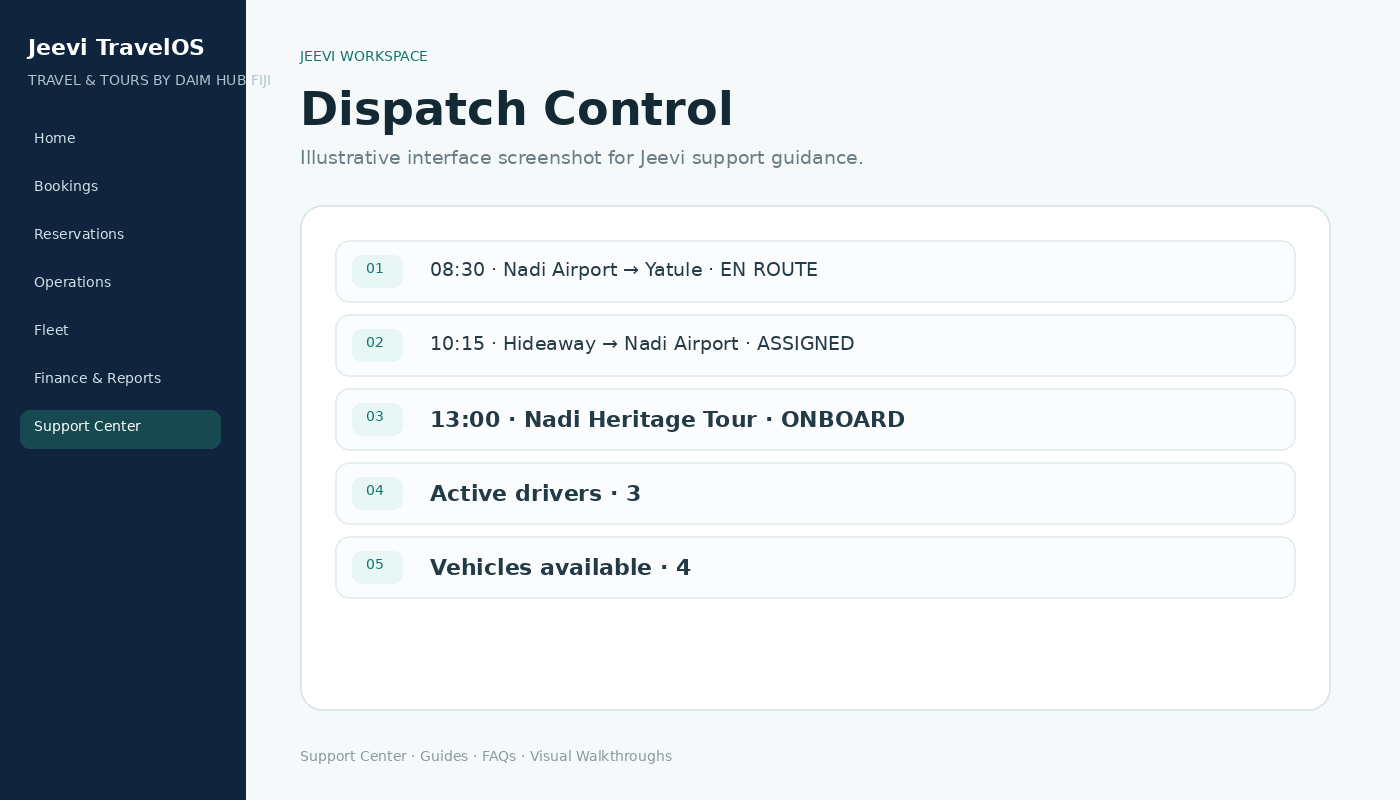
Dispatch movements and manage driver shifts
Assign vehicles and drivers, monitor active work, follow movement status and let drivers acknowledge each pickup from their mobile workspace.
Read article →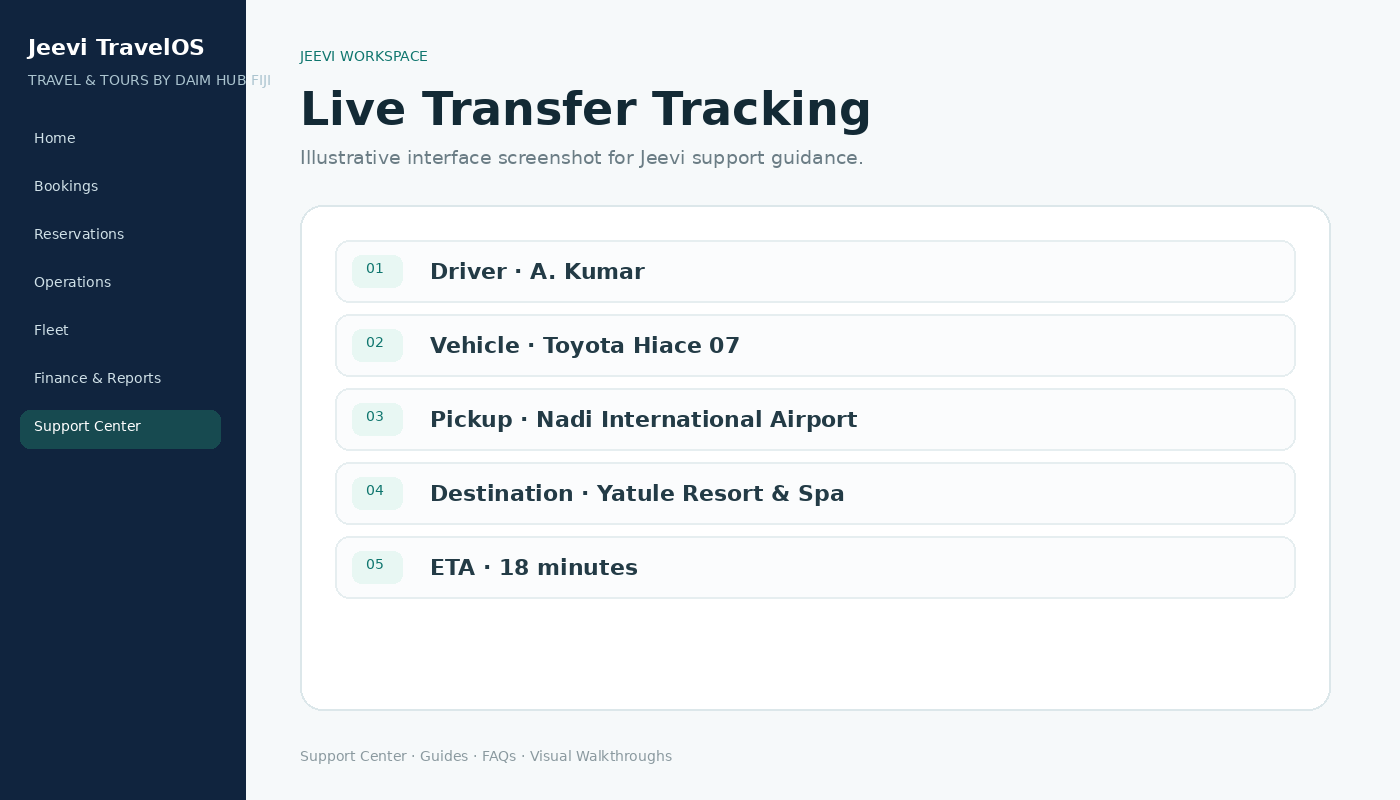
Use the guest live vehicle tracking link
Give arriving passengers a secure live view of the assigned vehicle and movement status while the driver is active.
Read article →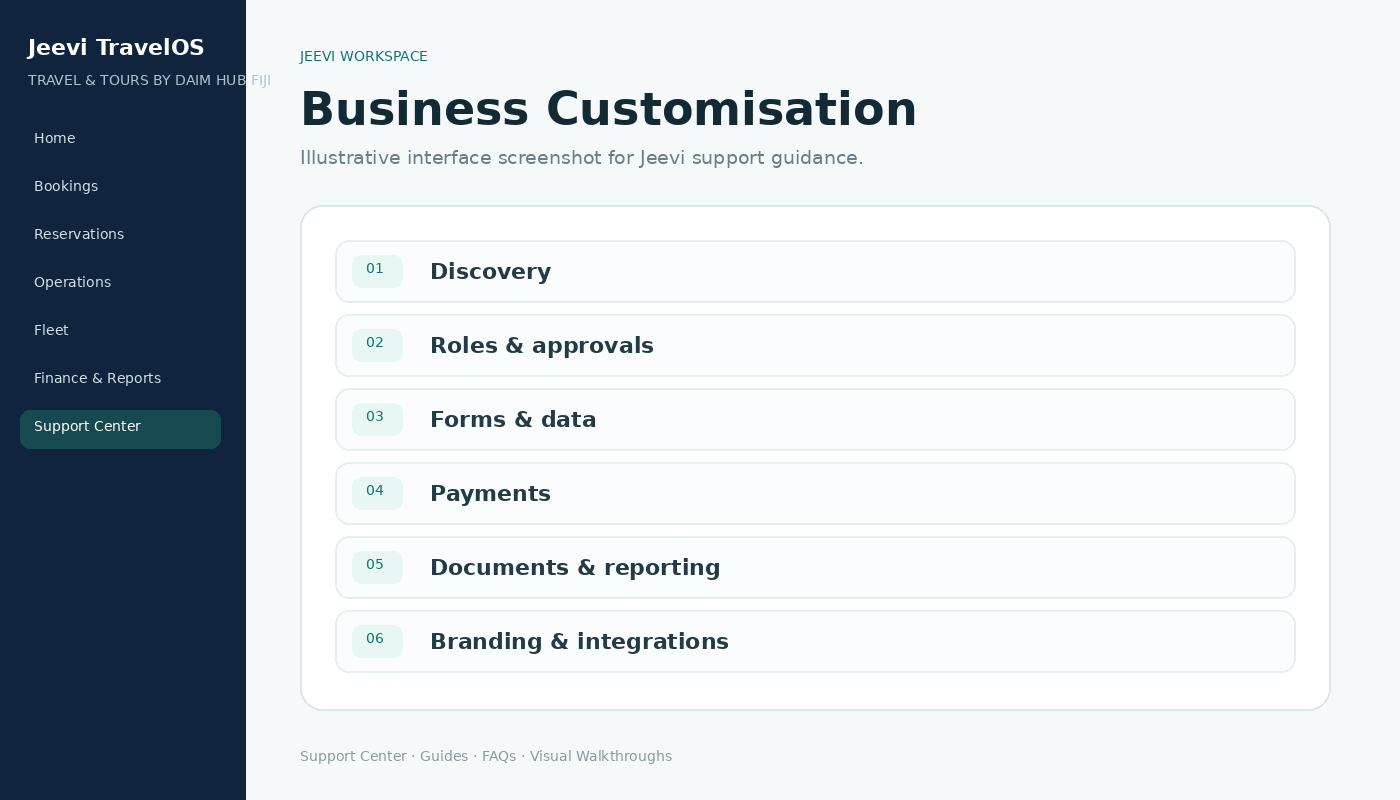
Customise Jeevi for your business
Use Jeevi as the core framework, then adapt roles, workflows, forms, payment options, documents, reporting and integrations to the business.
Read article →
Find answers in the Jeevi Help Center
Search support, browse guides by workspace, open FAQs and download the complete Jeevi user guide from one public help page.
Read article →All guides
Search or filter the complete Jeevi support library.
Getting started with Jeevi TravelOS
Understand the Jeevi workspace, role-based navigation, notifications and the fastest way to find the tools assigned to you.
Build and update a guest itinerary
Create a simple day-by-day trip using date, time, duration, activity type, location and guest information.
Create a tour or transfer booking
Enter customer details, service type, travel date, passengers and route information, then continue into itinerary, operations and costing.
Manage supplier requests and confirmations
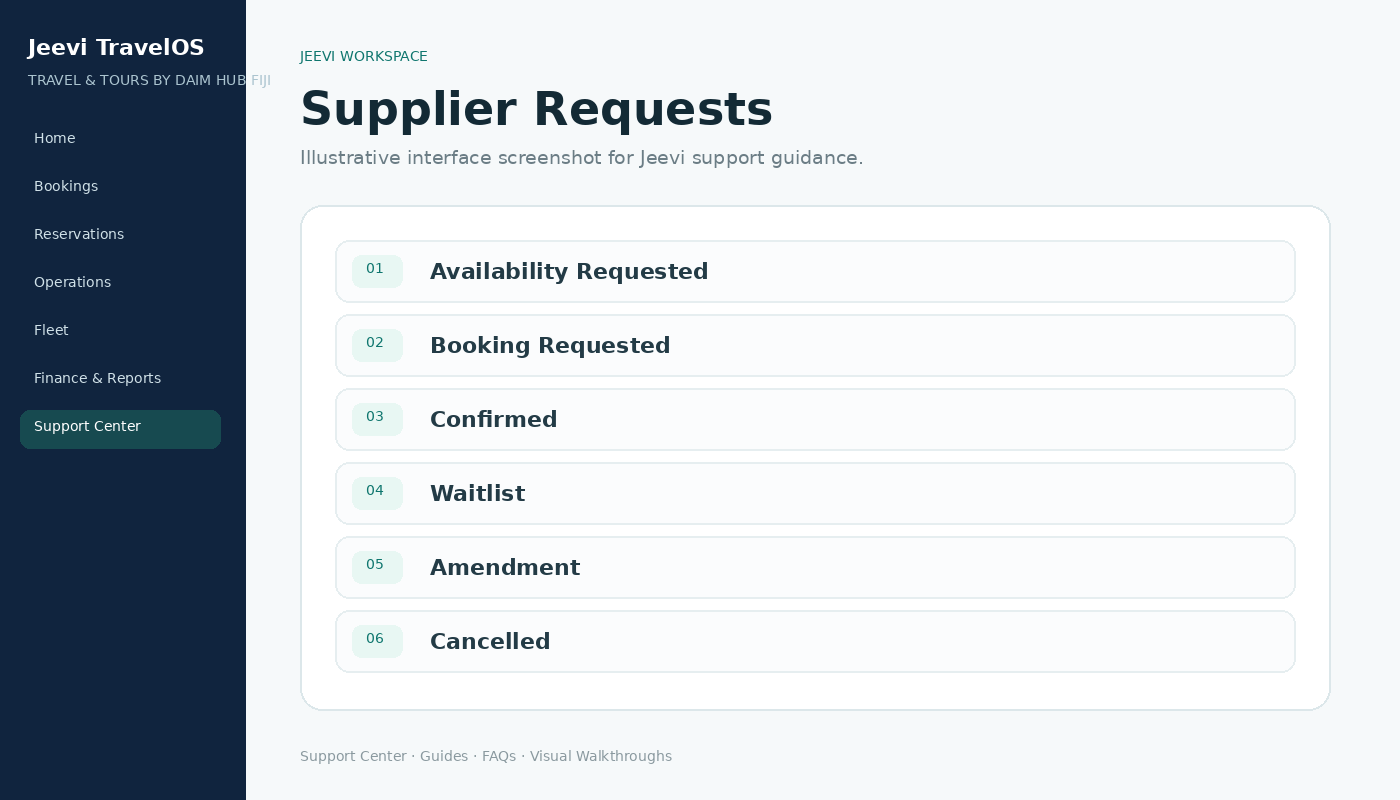
Track availability requests, booking requests, confirmations, waitlists, amendments and cancellations in one reservation workflow.
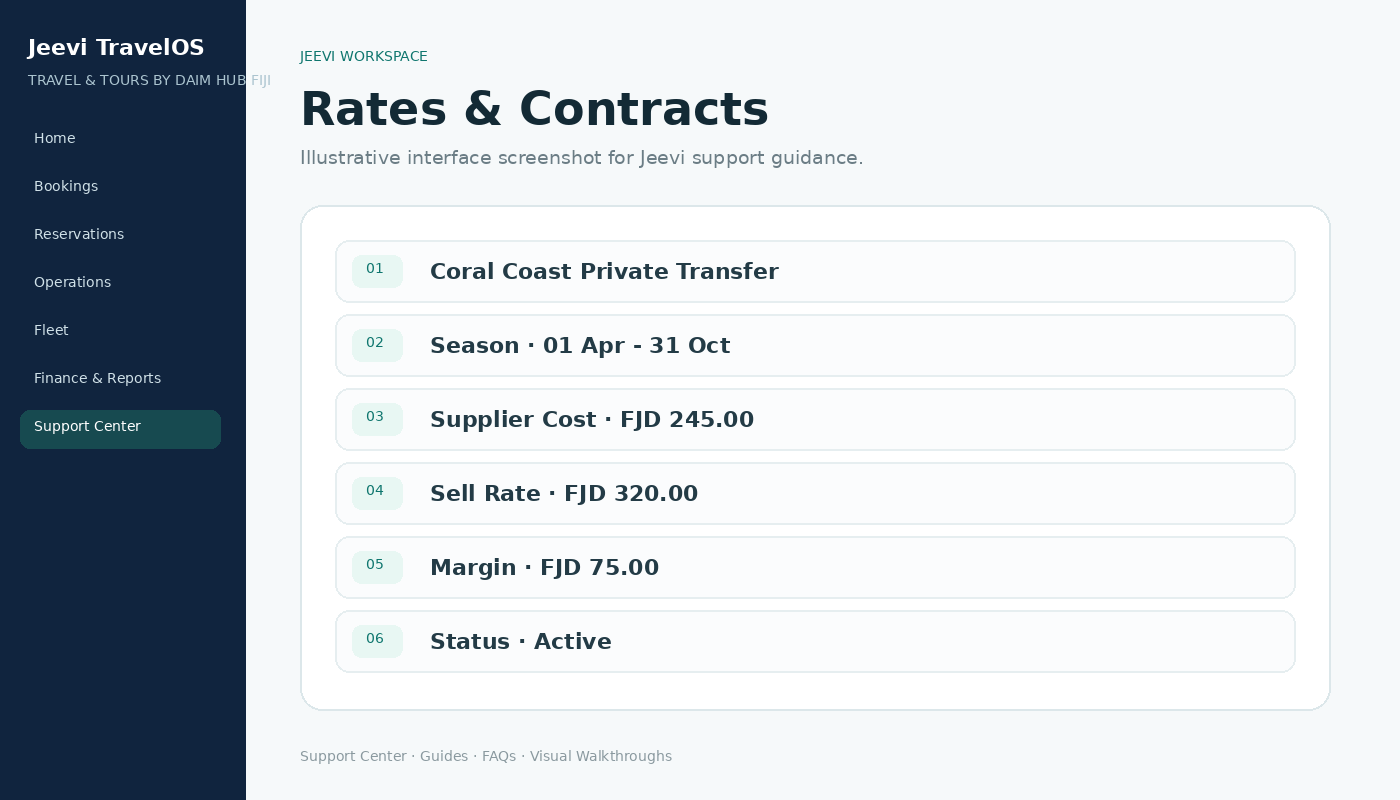
Manage rates, seasons and commercial terms
Maintain supplier costs, sell rates, seasonal periods, agent terms and price snapshots without changing historical confirmed values.
Dispatch movements and manage driver shifts
Assign vehicles and drivers, monitor active work, follow movement status and let drivers acknowledge each pickup from their mobile workspace.
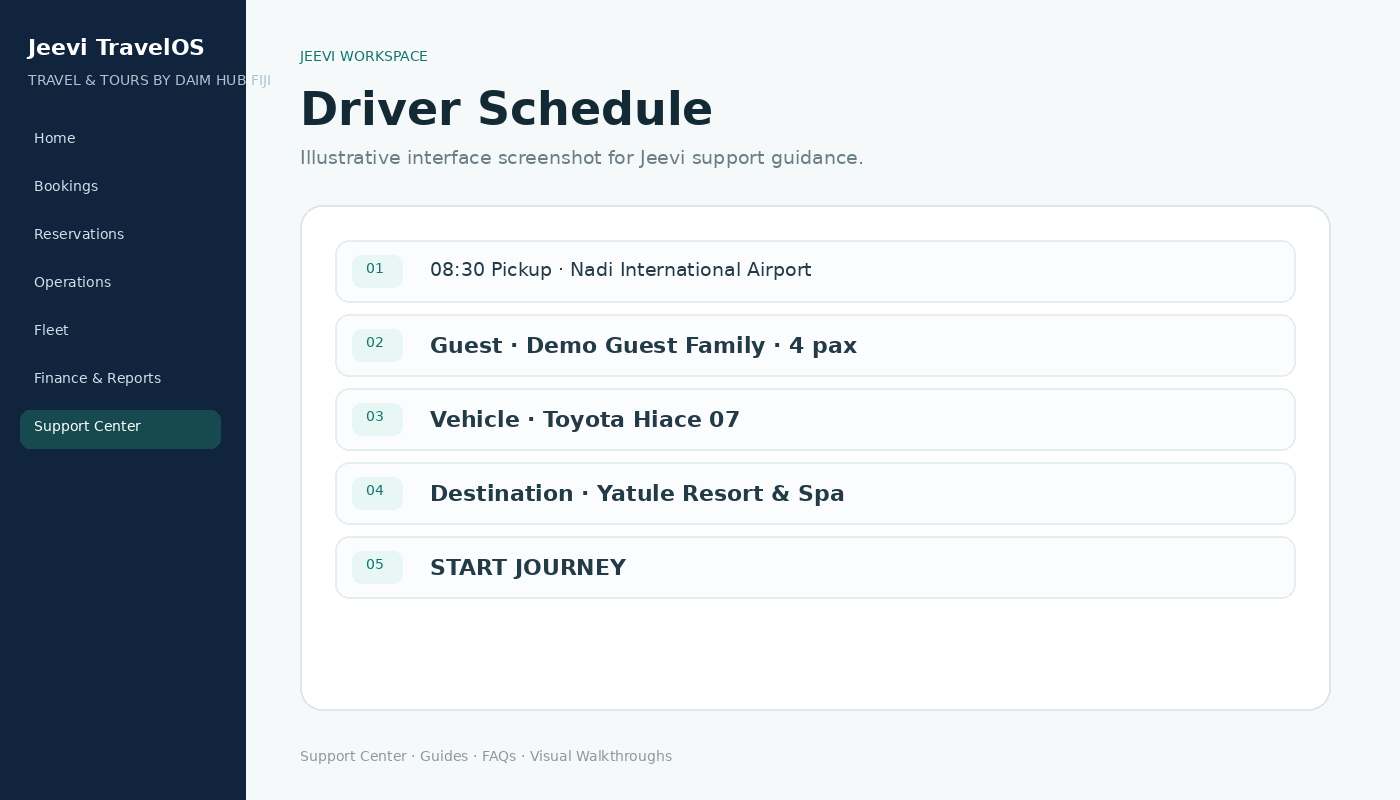
Complete driver vehicle checks and report damage
Record mileage and vehicle condition before departure and on return, with issues feeding into the maintenance workflow.
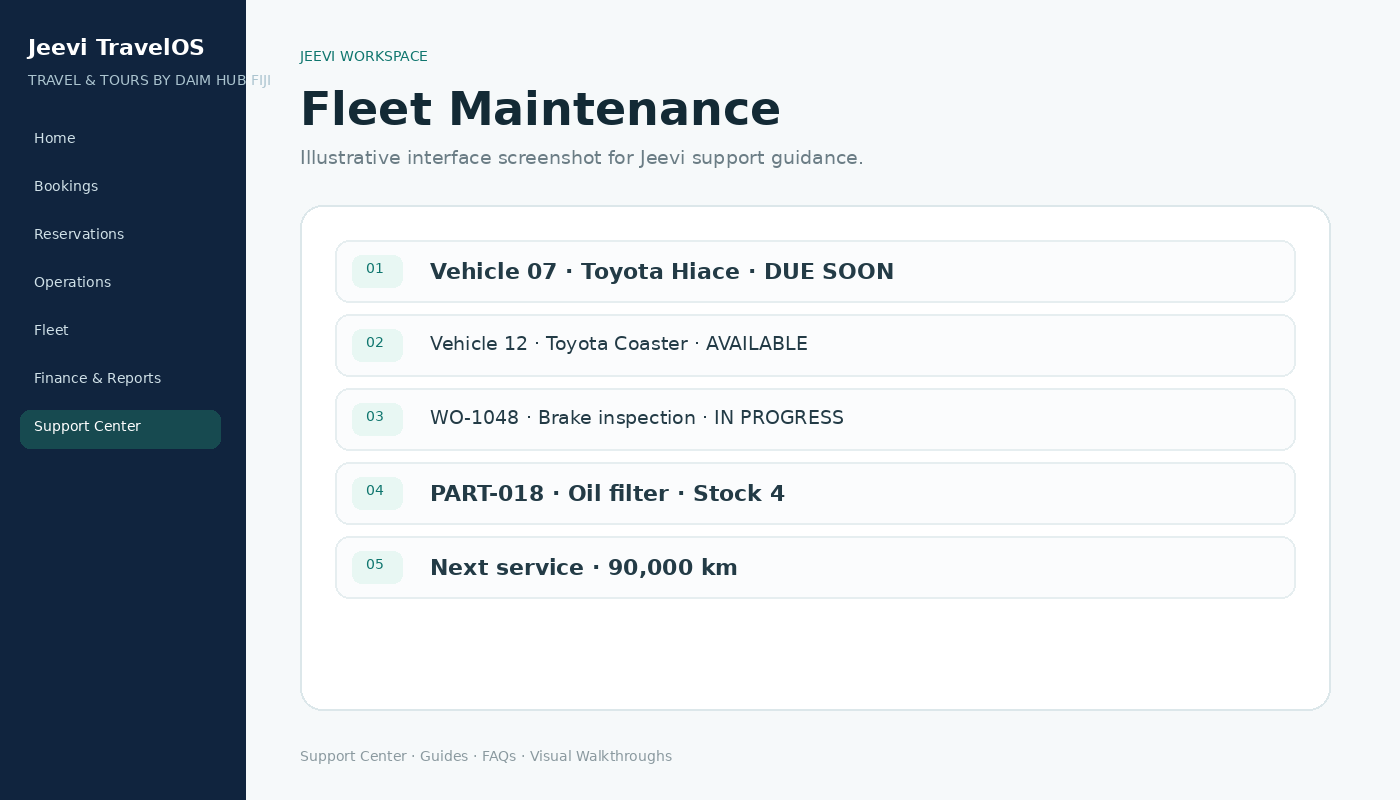
Track fleet maintenance, work orders and service schedules
Use vehicle issues, work orders, parts and preventive service schedules to keep fleet readiness and maintenance history in one place.
Use the guest live vehicle tracking link
Give arriving passengers a secure live view of the assigned vehicle and movement status while the driver is active.
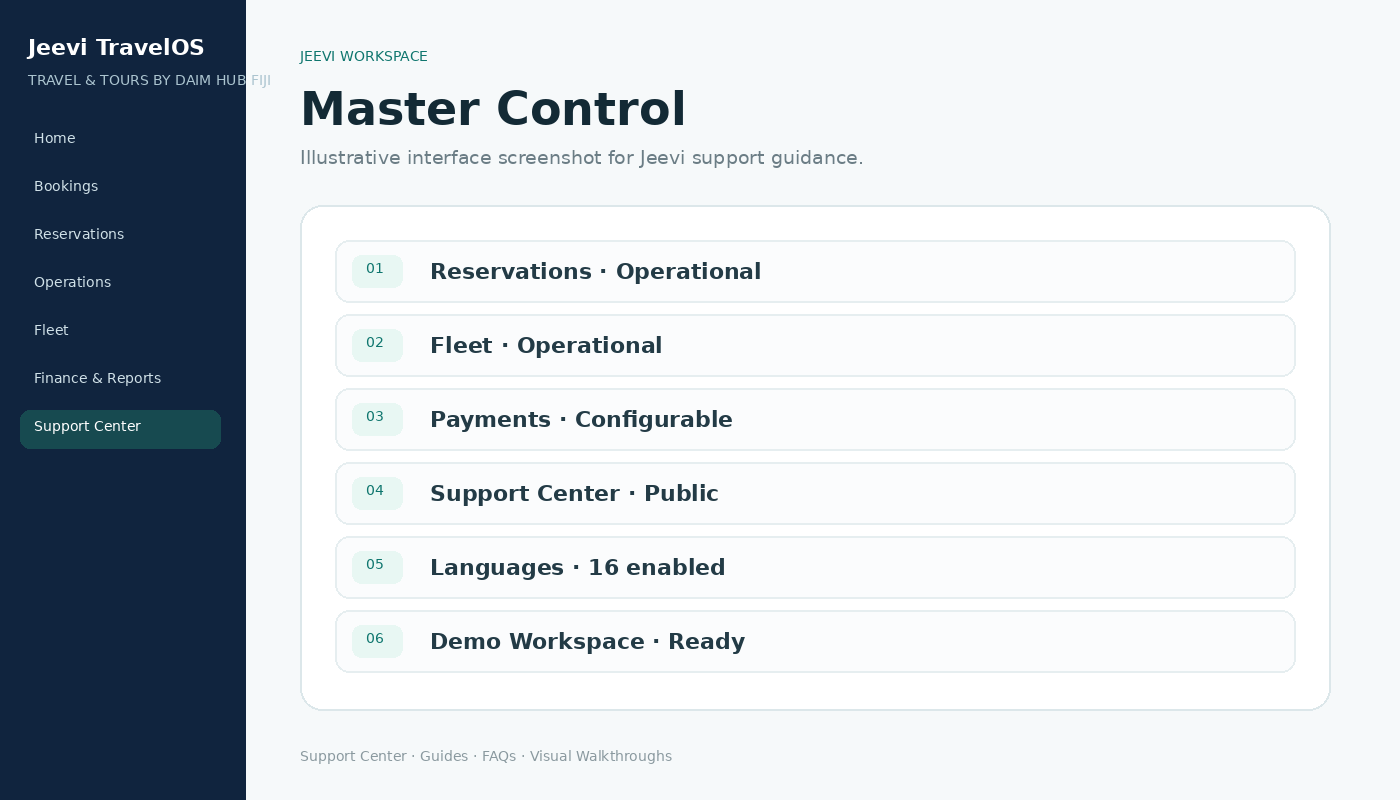
Understand users, roles and approvals
Keep access simple by assigning each user only the workspace needed for their job while retaining controlled administrative oversight.
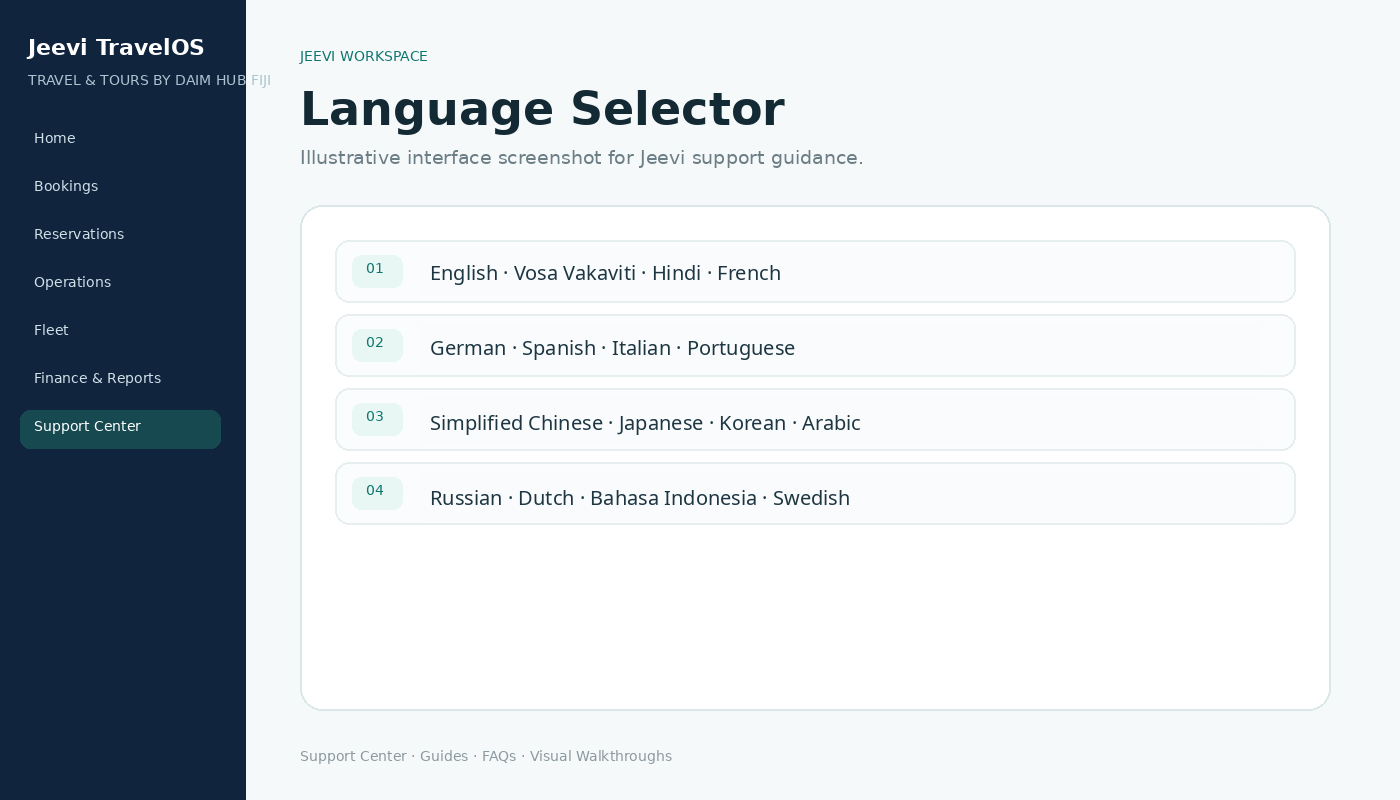
Change the Jeevi interface language
Choose from 16 interface languages. Jeevi remembers the preference for the browser and signed-in user.
Customise Jeevi for your business
Use Jeevi as the core framework, then adapt roles, workflows, forms, payment options, documents, reporting and integrations to the business.
Find answers in the Jeevi Help Center
Search support, browse guides by workspace, open FAQs and download the complete Jeevi user guide from one public help page.
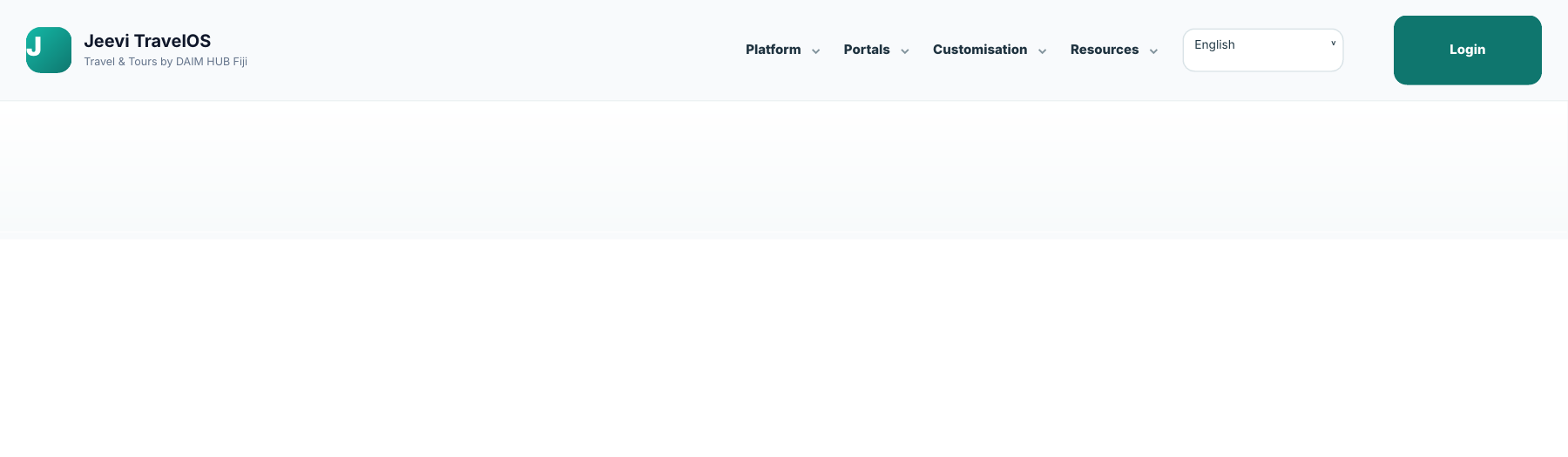
Use the Jeevi website navigation
Use the simplified grouped navigation to explore the platform, role portals, customisation options and support resources without a crowded menu.
Frequently asked questions
Fast answers to the questions users ask most often.
How do I log in to Jeevi?+
Use the Jeevi Portal login. Your assigned role automatically opens the correct workspace after sign-in.
Why do different users see different menus?+
Jeevi is role-based. Each user sees only the tools required for their work, while authorised administrators can access broader operational areas.
How do I add or edit itinerary items?+
Open Itineraries, choose a trip, then add a date, time, duration, activity, location and guest information. Existing items can be edited or deleted from the day-by-day timeline.
When is a driver location tracked?+
Location reporting is intended to run only while the driver has started an active shift and the device permits the Jeevi web app to operate.
Can Jeevi be customised for our business?+
Yes. Jeevi is a configurable core framework. DAIM HUB Fiji can study the business and adjust roles, workflows, forms, payment options, documents, reporting and integrations to match the operation.
How do I change the language?+
Use the language selector in the website or portal. Jeevi remembers the selected language for the device and signed-in user.
Can we use our preferred payment method?+
Yes. Payment workflows can be configured for cards, payment links, bank transfer, deposits, staged balances, account billing or another suitable provider.
Is the Support Center public?+
Yes. The Jeevi Support Center is available without signing in so users can access guides and FAQs whenever they need them.
Talk to DAIM HUB Fiji
Get product support, implementation guidance or discuss how Jeevi can be configured around your business.